
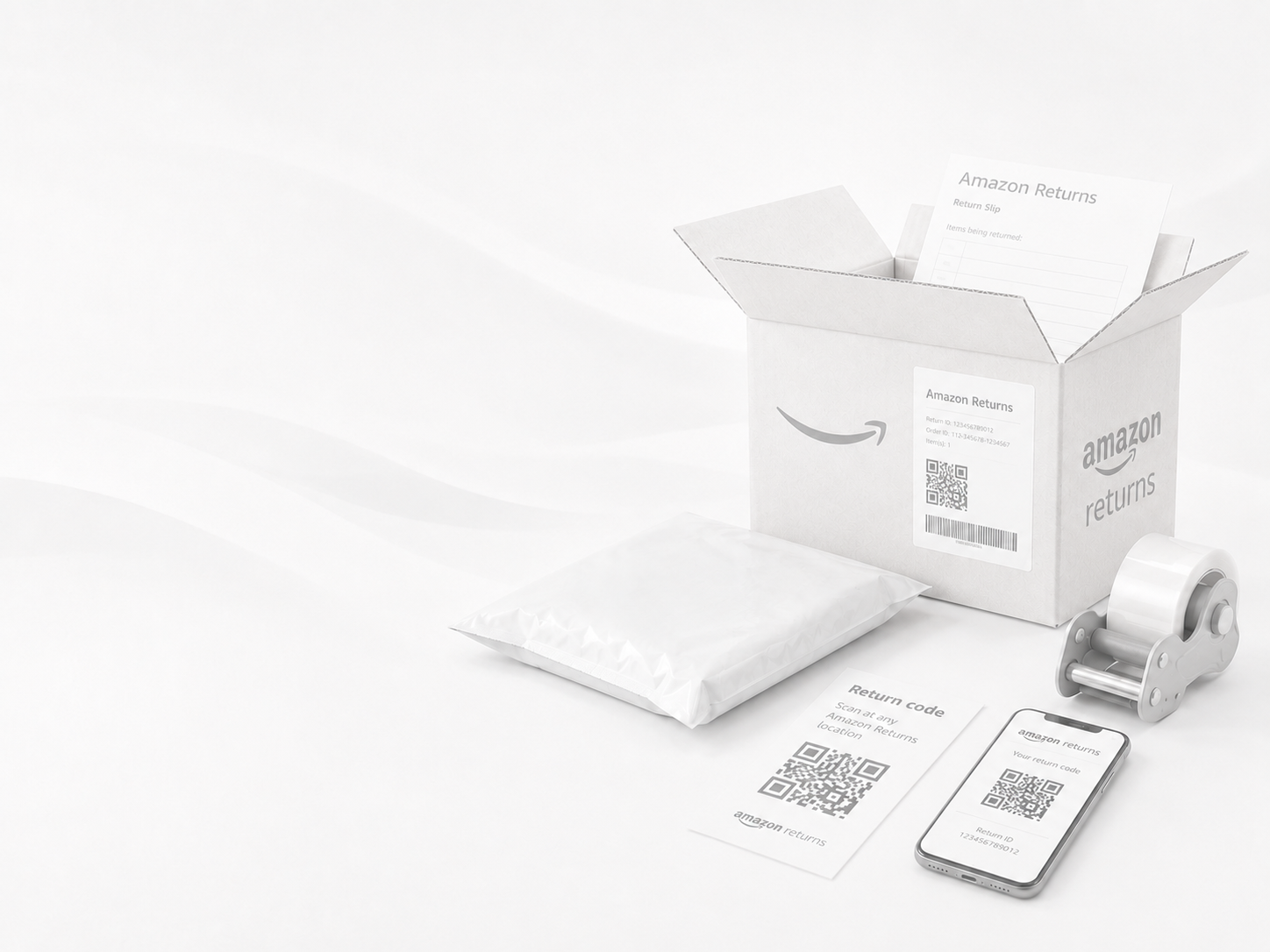
Amazon Returns
How to Use the Online Returns Center
Log In: Go to Amazon.com or open the mobile app and sign into your account.
Go to Orders: Click on Returns & Orders in the main menu (or top navigation bar).
Select the Item: Find the item you wish to return and click Return or replace items.
Choose Options: Select a return reason, choose your preferred refund method (e.g., Amazon Balance or original card), and select your return method.
Get your QR Code: Confirm the return and Amazon will generate a QR code. You can pull this up on your phone at the drop-off location.
AMAZON RETURN QUICK LINKS